It is one of the most frustrating experiences for any salaried professional in India: You resign from your job, wait for the mandatory two months, log into the UAN Member Portal, and apply for your final Provident Fund (PF) withdrawal. You desperately need that money for a medical emergency, a home loan down payment, or your child's education.
A week later, you receive a heart-sinking SMS from EPFO: "Your PF Claim has been REJECTED."
When you check the portal, the rejection reason usually reads: "Name mismatch with Aadhaar" or "Date of Birth differs from employer records" or "Father's Name missing."
Because the Employees' Provident Fund Organisation (EPFO) has tightly integrated its database with UIDAI (Aadhaar), even a single alphabet out of place—like "Kumar" in Aadhaar but "Kr" in PF records—will cause an automatic system rejection.
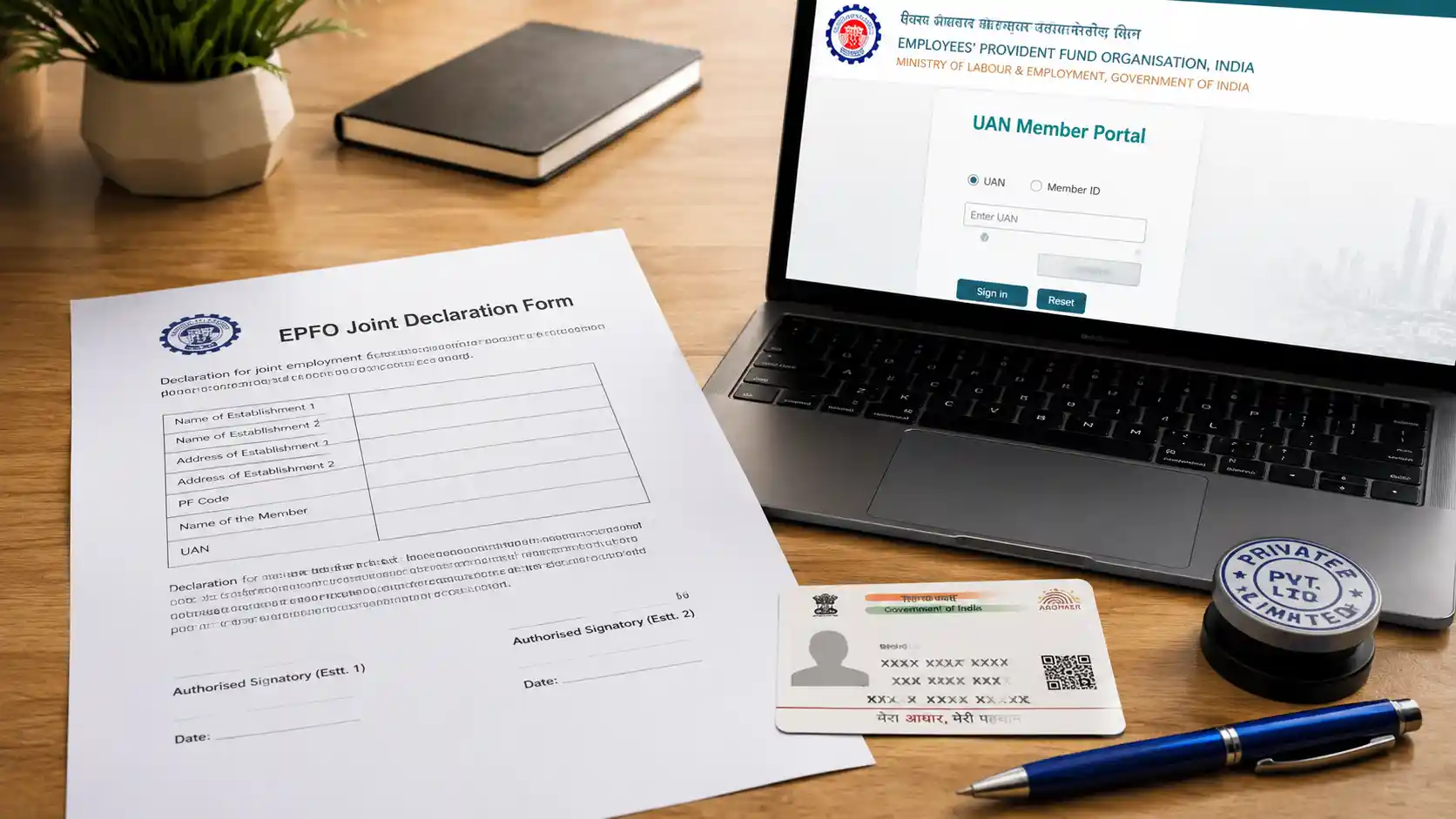
So, how do you fix this dead-end situation? The ultimate legal solution is the EPFO Joint Declaration Form.
In this highly practical guide, we explain what the Joint Declaration Form is, break down EPFO's latest Standard Operating Procedure (SOP) for major vs. minor corrections, provide two free ready-to-use downloadable formats (The Joint Declaration Form and a Cover Letter to your HR), and walk you through the newly introduced online correction workflow on the UAN portal.
What is the EPFO Joint Declaration Form?
The Joint Declaration Form is an official, physical (or digital) application submitted jointly by the Employee and the Employer to the Regional PF Commissioner.
By signing this document and stamping it with the official company seal, your employer legally certifies to the EPFO that a clerical error was made during your initial PF registration, and requests the PF office to update your UAN profile to match your current Aadhaar Card and PAN Card.
You need a Joint Declaration Form to correct any of the following 11 parameters:
- Name of the Employee
- Date of Birth (DOB)
- Father's / Husband's Name
- Relationship status
- Date of Joining (DOJ)
- Date of Leaving (DOL)
- Reason for Leaving
- Gender
- Marital Status
- Nationality
- Aadhaar / PAN / Bank Account details
EPFO's New Rule: Minor vs. Major Corrections
Recently, EPFO updated its Standard Operating Procedure (SOP) to prevent identity fraud. The documents you need depend entirely on whether your correction is classified as "Minor" or "Major".
1. Minor Corrections
- Name/Father's Name: Change of less than 2 alphabets, expanding initials (e.g., "R.K. Sharma" to "Raj Kumar Sharma"), or adding a surname after marriage.
- Date of Birth: A difference of less than 3 years between the PF record and your actual DOB.
- Requirement: Needs at least 2 mandatory documents (e.g., Aadhaar + PAN). Processed relatively quickly by the PF office.
2. Major Corrections
- Name: Complete name change, altering more than 2 alphabets, or changing the father's name entirely.
- Date of Birth: A difference of more than 3 years.
- Requirement: Needs at least 3 mandatory documents (e.g., Aadhaar + Passport + School Marksheet) and sometimes a Gazette Notification for complete name changes. Undergoes strict scrutiny by the Regional PF Commissioner.
Template 1: Official EPFO Joint Declaration Form Format
You can copy this exact format, print it on plain A4 white paper, fill in the correct details, and take it to your company's HR department for their official seal and authorized signature.
JOINT DECLARATION BY THE MEMBER AND THE EMPLOYER
Date: [Insert Date]
To, The Regional P.F. Commissioner, Employees' Provident Fund Organisation (EPFO), Regional Office: [Insert Address of your EPFO Regional Office]
SUBJECT: Joint Declaration for correction of details in UAN / PF Account No. [Insert PF Account Number]
Respected Sir/Madam,
I, [Your Full Correct Name as per Aadhaar], am an employee/ex-employee of [Name of your Company/Employer] and my Universal Account Number (UAN) is [Your 12-Digit UAN].
It is submitted that some of my basic details have been wrongly recorded in the EPFO portal due to a clerical error at the time of my registration.
I request you to kindly update the correct details in my UAN profile as mentioned below, so that my Aadhaar can be verified and my pending PF claims can be processed:
Particulars Incorrect Details (Currently in PF Portal) Correct Details (As per Aadhaar/Records) Name [Wrong Name] [Correct Name] Father's / Husband's Name [Wrong Father Name] [Correct Father Name] Date of Birth (DD/MM/YYYY) [Wrong DOB] [Correct DOB] Date of Joining (DOJ) [Wrong DOJ] [Correct DOJ] Date of Leaving (DOL) [Wrong DOL, if any] [Correct DOL] Aadhaar Number [Wrong Aadhaar, if any] [Correct Aadhaar Number] I am enclosing self-attested copies of my identity and educational documents as proof for the aforementioned corrections.
I hereby declare that the "Correct Details" mentioned above belong to me, and I request you to update the same in your records.
Enclosures attached:
- Self-attested copy of Aadhaar Card.
- Self-attested copy of PAN Card.
- Self-attested copy of Class 10th Certificate / Passport (For DOB proof).
SIGNATURE OF THE APPLICANT (EMPLOYEE) Name: [Your Name] UAN: [Your UAN Number] Mobile: [Your Contact Number]
DECLARATION BY THE EMPLOYER
This is to certify that Mr./Ms. [Your Correct Name] is/was a bona fide employee of our establishment. We have verified their original records and confirm that the "Correct Details" mentioned above are true and accurate as per our company registers. We request you to kindly update the same in the EPFO records.
AUTHORIZED SIGNATORY OF EMPLOYER Name of Signatory: [HR Name] Designation: [HR Designation] Establishment / Company Name: [Company Name] Establishment PF Code: [Company's PF Code Number]
[AFFIX OFFICIAL ROUND COMPANY SEAL / STAMP HERE]
Template 2: Email / Cover Letter to HR Requesting Signature
Many employees who have already left a company find it awkward or difficult to get their ex-employer to sign the Joint Declaration Form. Use this professional cover letter/email to request your former HR to sign and stamp the document.
Subject: Urgent: Request for Employer Signature on EPFO Joint Declaration Form - [Your Name] (Emp ID: [Your Old ID])
Dear [HR Manager's Name / HR Team],
I hope this email finds you well.
I am a former employee of [Company Name], having worked as [Your Designation] from [Joining Date] to [Last Working Date] under Employee ID [Your ID].
I am currently trying to withdraw my final Provident Fund (PF) balance. However, my claim has been rejected by the EPFO portal due to a mismatch in my [mention the error, e.g., Date of Birth / Name spelling] between my Aadhaar card and the EPFO database.
As per EPFO rules, I need to submit a physical "Joint Declaration Form" signed and sealed by my previous employer to rectify this mismatch at the PF office.
I have filled out the Joint Declaration Form and attached self-attested copies of my Aadhaar Card, PAN Card, and Class 10th Marksheet as proof.
I kindly request you to print the attached form, arrange for the Authorized Signatory's signature along with the official company round seal, and share a scanned copy with me. I would be highly grateful if I could also collect the physical signed hard copy from the office on [Date].
Please let me know the suitable time to coordinate this. Your prompt assistance will help me release my stuck PF funds.
Thank you for your continued support.
Best regards,
[Your Full Name] UAN: [Your UAN] Mobile: [+91-XXXXXXXXXX]
The New "Online" Joint Declaration Process (UAN Portal)
If your employer is active and cooperative, you no longer need to visit the PF office physically. EPFO recently enabled an end-to-end digital Joint Declaration workflow:
[Login to UAN Portal] ➔ [Manage > Joint Declaration] ➔ [Upload PDF Proofs] ➔ [Employer Approves Online via DSC] ➔ [EPFO Field Office Approves]
- Step 1: Log in to the UAN Member e-Sewa Portal (
unifiedportal-mem.epfindia.gov.in). - Step 2: Navigate to the "Manage" tab on the top menu and click on "Joint Declaration".
- Step 3: Enter your Member ID (PF Number) associated with the specific company where the error occurred.
- Step 4: The screen will display your current PF details side-by-side with blank fields for new details. Type in the correct Name, DOB, or DOJ exactly as it appears on your Aadhaar.
- Step 5: Upload scanned PDF copies of your documentary proofs (Aadhaar, Passport, Marksheet). Max file size is 2MB.
- Step 6: Click "Submit". The request automatically routes to your Employer’s Employer Portal.
- Step 7: Call your HR team and ask them to approve the pending Joint Declaration request using their Digital Signature Certificate (DSC). Once the HR approves it, it goes to the regional PF office for final clearance (usually takes 15 to 30 days).
What to Do If Your Company is Closed Permanently?
If the company you worked for has shut down, gone bankrupt, or the HR refuses to sign the form, you are not locked out of your money.
EPFO allows you to submit the physical Joint Declaration Form attested by any one of the following authorized external authorities instead of your employer:
- A Gazetted Officer (Class I or II).
- A Magistrate.
- The Manager of the Bank where your PF account is maintained.
- A Member of Parliament (MP) or Member of Legislative Assembly (MLA).
- The Postmaster of your local Post Office.
You must write a separate covering letter to the Regional PF Commissioner explaining that the establishment is officially closed, attach the form signed by the Gazetted Officer/Bank Manager, and submit it physically at the EPFO Grievance desk.
3 Fatal Mistakes That Will Cause Form Rejection
- Missing Company Round Seal: An HR signature alone is invalid. The form MUST carry the official rubber round stamp/seal of the establishment.
- Unauthorized Signatory: The person signing the form on behalf of the company must be the same individual whose signature is officially registered with the EPFO database. A random manager cannot sign it.
- Mismatched Documents: If you are correcting your Date of Birth, ensure that the DOB on your Aadhaar Card and Class 10th Marksheet matches exactly. If your documents contradict each other, the PF officer will reject the declaration.
Conclusion
A PF rejection SMS can cause sudden financial panic, but an EPFO Joint Declaration Form is the assured, legal pathway to fixing clerical mismatches. By understanding whether you fall under the minor or major correction category, uploading the right documents via the online UAN portal, or submitting the physical signed format provided above, you can successfully sync your identity records and withdraw your hard-earned retirement savings without hassle.
*Disclaimer: This blog post and downloadable formats are provided strictly for educatio